
Run the entire LinkedIn writing workflow without leaving the tab
Comments, posts, connection messages, InMail, and memes — all generated directly inside LinkedIn. Powered by Write Like Me™ voice matching, Think Like Me™ knowledge base, and Perplexity real-time research. No tab-switching, no copy-pasting — just seamless writing help that stays in your workflow.
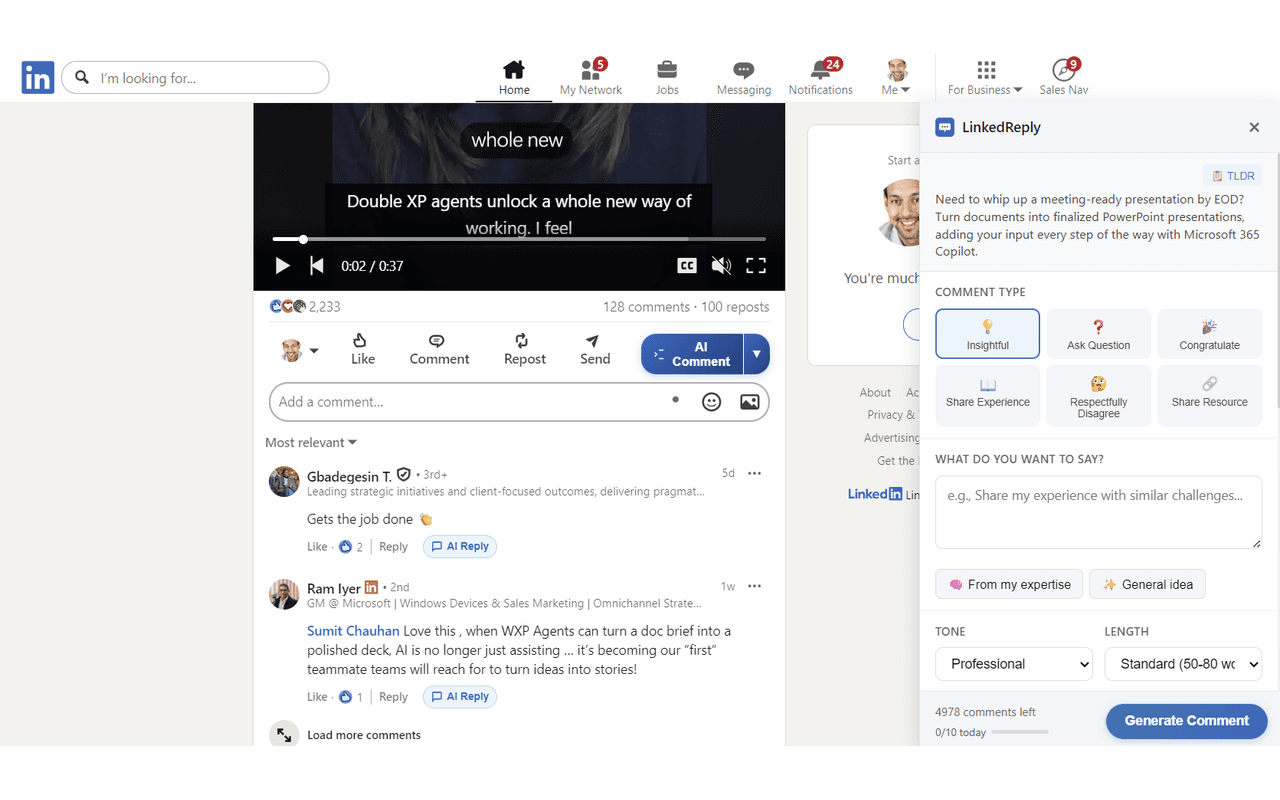
Generate in-feed comments
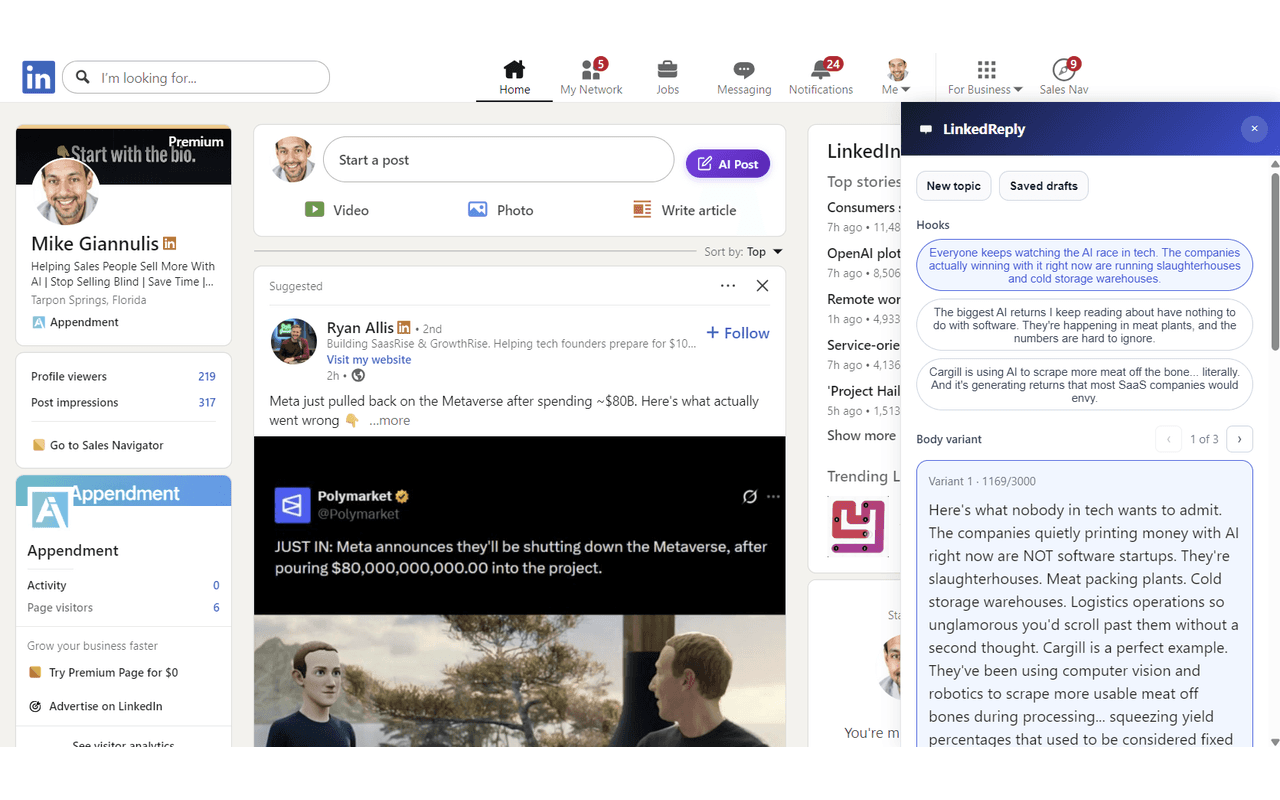
Draft posts from the same system
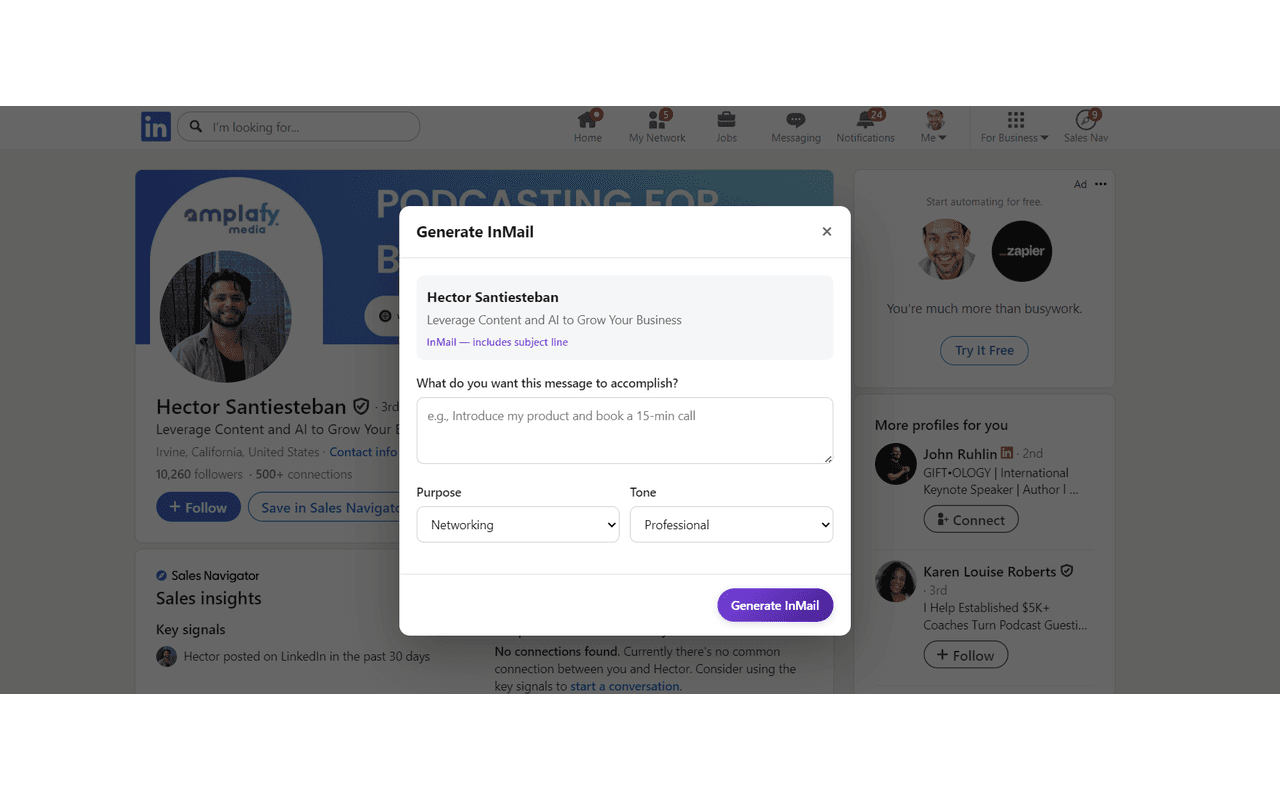
Handle direct outreach in context
Everything You Need, Built Into the Extension
Comments, posts, messages, InMail, memes, and goal tracking — all powered by AI that matches your voice and knows your expertise
One-Click Comments
Generate perfect replies with a single click. Choose from 50+ comment types across multiple tones and lengths.
Post Drafting
Draft full LinkedIn posts from the extension. Create original content or get inspired by posts in your feed, complete with anti-AI phrasing.
Write Like Me™ Voice
AI analyzes your writing samples to match your unique voice, tone, and personality across all generated content.
Think Like Me™ Knowledge
Your uploaded documents and scanned blog posts power every response with real domain expertise via RAG-powered search.
Connection Messages
Generate personalized 300-character connection requests tailored to each profile you visit.
InMail Drafting
Craft personalized InMails for sales outreach, recruiting, or networking — tailored to the recipient’s profile.
Meme Generation
Create AI-generated memes powered by Gemini. Add humor and visual engagement to your LinkedIn presence.
Daily Goal Tracker
Set daily engagement goals and track your progress right in the extension popup. Stay consistent with your growth strategy.
Anti-AI Detection
Every piece of content passes through anti-AI processing that removes robotic patterns for natural, human-sounding output.
Smart Promotion
Set up your business profile and let AI naturally weave product mentions into relevant comments without sounding promotional.
How the Chrome Extension Works
Get started in under 2 minutes with these simple steps
Install Extension
Add LinkedReply to Chrome from the Web Store in under 30 seconds
Browse LinkedIn
Navigate to any post, profile, or message flow you want help with
Click LinkedReply
See the LinkedReply button appear next to the reply button
Generate & Post
AI generates an authentic reply that you can edit and post instantly
See It in Action
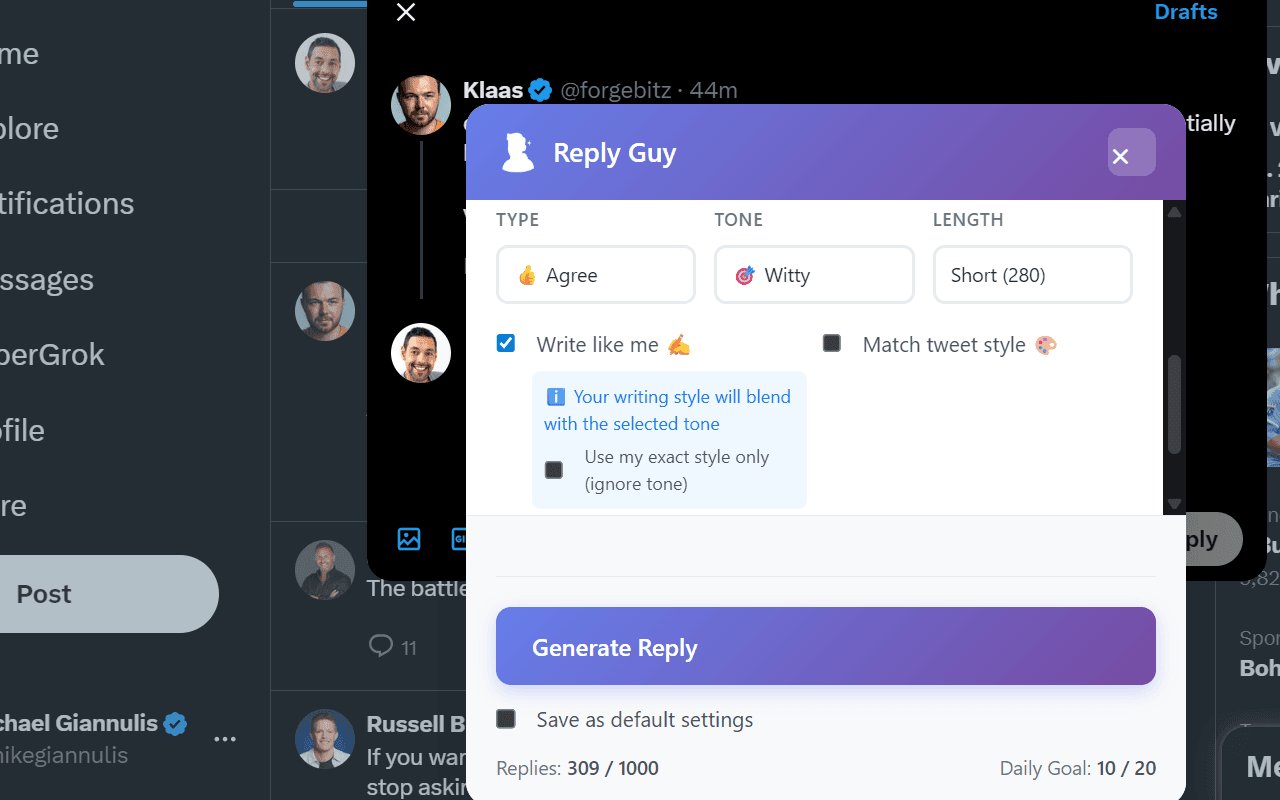
LinkedReply integrates directly into LinkedIn with buttons for comments, posts, connection messages, InMail, and memes. Everything you need, right where you need it.
Loved by Chrome Extension Users
See what users are saying about the LinkedReply Chrome extension
"This Chrome extension has transformed how I manage LinkedIn engagement. Saves me hours every day!"
Sarah M.
Social Media Manager
"The replies sound exactly like me. My audience can't tell they're AI-generated. Incredible technology!"
Mike R.
Content Creator
"Easy to install and use. The Chrome extension works flawlessly with our team's LinkedIn strategy."
Jessica L.
Marketing Director
Install LinkedReply Chrome Extension Today
Join thousands of users who generate comments, draft posts, send personalized messages, and create memes — all directly in their browser. Free to install with 15 free comments monthly.